
Tip & Trick
Remote work exposes you to cyber threats like phishing, malware, and data breaches. These 10 security best practices—backed by IT experts—will help you create an impenetrable digital fortress without sacrificing productivity.
Zero-Trust Network Access for Remote Devices
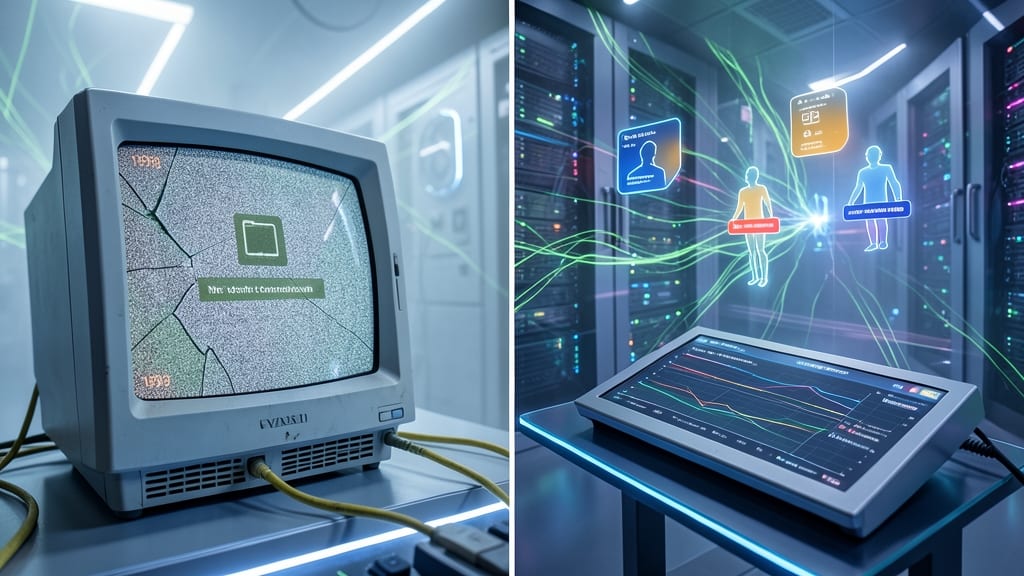
Tired of relying on outdated VPNs that assume trust once you’re connected? Zero-trust network access flips the script by verifying every device and user—even those already inside your network—before granting access.
Solutions like BeyondCorp Enterprise or Zscaler Private Access use continuous authentication (not just logins) and device posture checks (e.g., patch levels, endpoint security status) to block compromised devices in real time. Unlike VPNs, which create broad tunnels, zero-trust grants least-privilege access—meaning users only reach the resources they need, reducing attack surfaces. Studies show this cuts lateral movement risks by 90% compared to traditional VPNs.
Perfect for remote teams handling sensitive data—think healthcare, finance, or legal firms—where compliance and granular controls are non-negotiable. Even small businesses benefit from the simplified security model that scales effortlessly. ✨
Password Manager with Biometric Locks
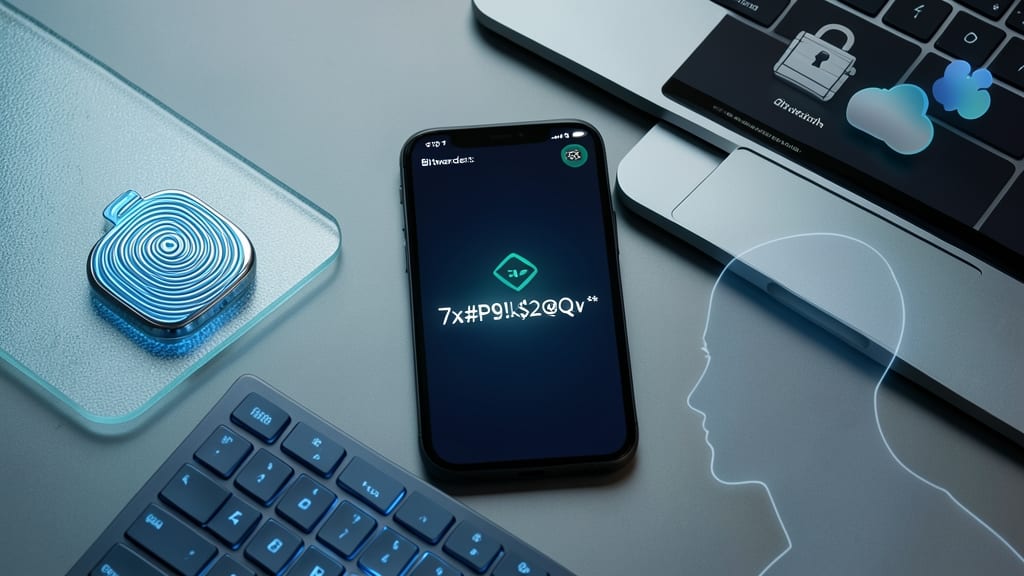
Tired of reusing the same weak passwords across accounts? A password manager with biometric locks like Bitwarden or 1Password eliminates this risk by auto-generating and storing 256-bit encrypted passwords—unhackable without your fingerprint or face.
These tools sync across devices, offer zero-knowledge architecture (meaning not even the company can access your data), and integrate with browsers to auto-fill logins securely. The biometric lock ensures zero-config access while keeping your vault impenetrable to brute-force attacks. ⚡
Perfect for remote workers juggling multiple accounts—especially those handling sensitive work or personal data. No more sticky-note passwords or spreadsheet nightmares! 💻
Endpoint Detection and Response Software
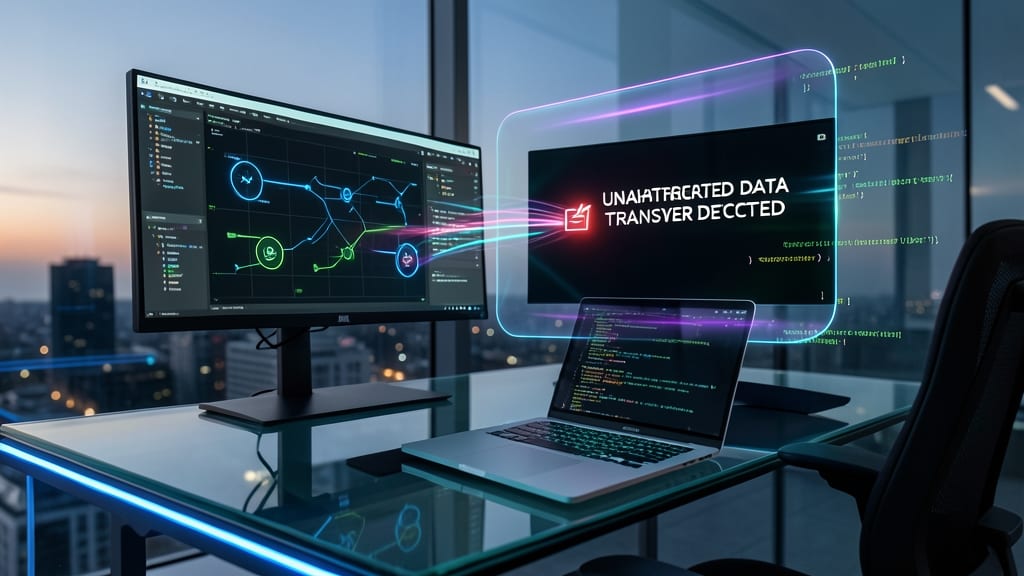
Ransomware attacks don’t just strike—they strike fast. Endpoint Detection and Response (EDR) software acts as your cybersecurity guard dog, using AI-driven threat analysis to spot suspicious behavior in real time, like unauthorized data transfers or cryptojacking scripts running in the background.
Tools like CrowdStrike Falcon or SentinelOne monitor 100+ threat indicators per endpoint, from unusual process spawns to lateral movement attempts. They don’t just detect—they automatically isolate infected devices and roll back changes, often before you even notice an issue. For remote workers, this means zero downtime from ransomware demands or data leaks during coffee breaks at public Wi-Fi spots.
This is the ultimate safety net for freelancers, IT admins, and small business owners who can’t afford a full security team. Deploy it once, and let the AI handle the heavy lifting while you focus on work. ✨
Secure Cloud Storage with End-to-End Encryption
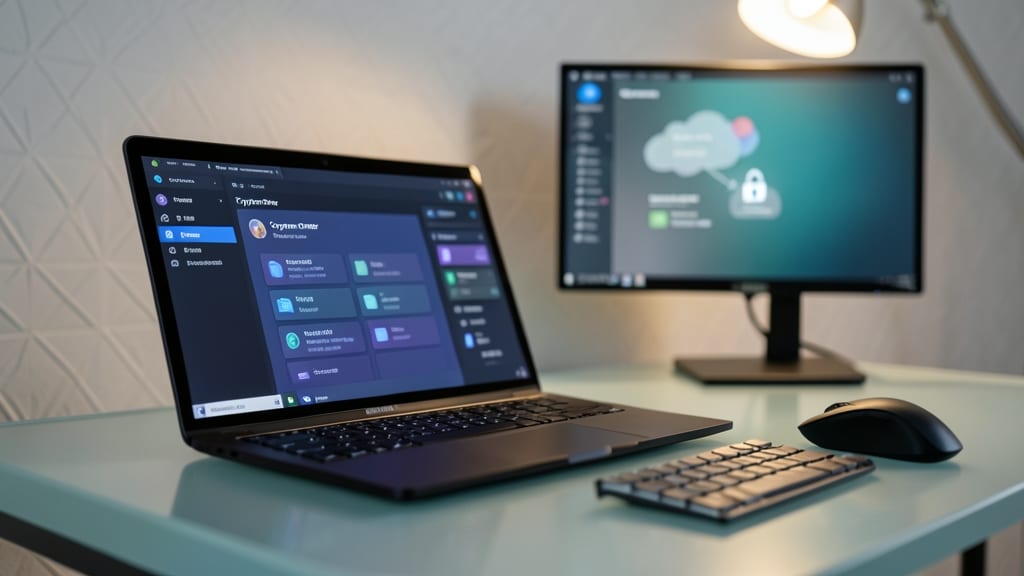
Worried about sensitive documents falling into the wrong hands? End-to-end encrypted cloud storage ensures only you can access your files—even if the server itself is compromised. Services like Cryptomator or Proton Drive add an extra layer of protection by encrypting files before they ever leave your device.
With AES-256 encryption (the gold standard for security), your data stays locked down at rest and in transit, blocking hackers, ISPs, or even the cloud provider from peeking. These tools work seamlessly with Google Drive, Dropbox, or OneDrive, so you get the convenience of cloud storage without sacrificing security.
Perfect for freelancers, healthcare professionals, or anyone handling confidential data, encrypted cloud storage gives you peace of mind while keeping your files accessible across devices. 💻
Multi-Factor Authentication for All Accounts
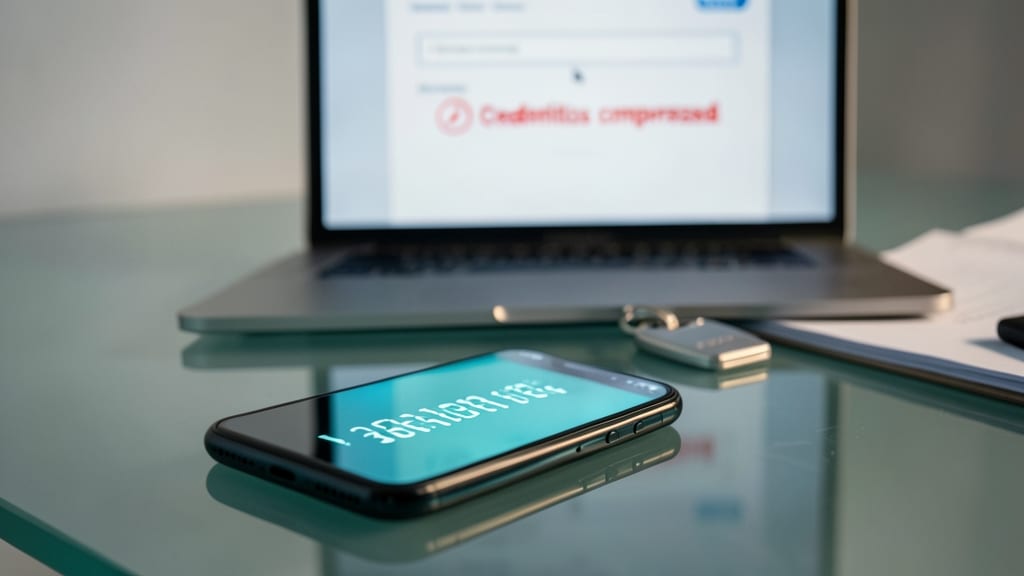
Tired of hearing about breaches where hackers stole passwords from data leaks? Multi-Factor Authentication (MFA) is your first line of defense against credential theft—even if your password gets exposed. Unlike passwords alone, MFA requires a second verification step, like a code from Google Authenticator, a push notification, or a hardware security key.
Most platforms (email, banking, work accounts) support MFA with zero config—just enable it in settings. Hardware keys like YubiKey offer the strongest protection, blocking phishing attacks entirely. For convenience, authenticator apps sync across devices and don’t rely on SMS (which hackers can intercept).
This is non-negotiable for remote workers handling sensitive data. Start with your most critical accounts—email, cloud storage, and financial logins—to lock down the digital doors. 🌟
Regular Software Updates and Patch Management
Hackers rely on outdated software to break in—so why leave your system vulnerable? Regular software updates are your first line of defense against exploits targeting known flaws in operating systems, browsers, and apps.
Most modern OSes (like Windows 10/11 and macOS) now offer automatic updates, but you can also use tools like Windows Update, Apple Software Update, or third-party patch managers like Patch My PC for granular control. Browsers (Chrome, Firefox, Edge) auto-update too, but always verify critical patches manually. For apps, enable auto-update in settings or use enterprise solutions like Microsoft Intune to enforce compliance across teams.
This is non-negotiable for remote workers handling sensitive data—especially if you’re on public Wi-Fi or use shared devices. Set a reminder to audit updates weekly. ✨
Secure Wi-Fi with a VPN and Firewall
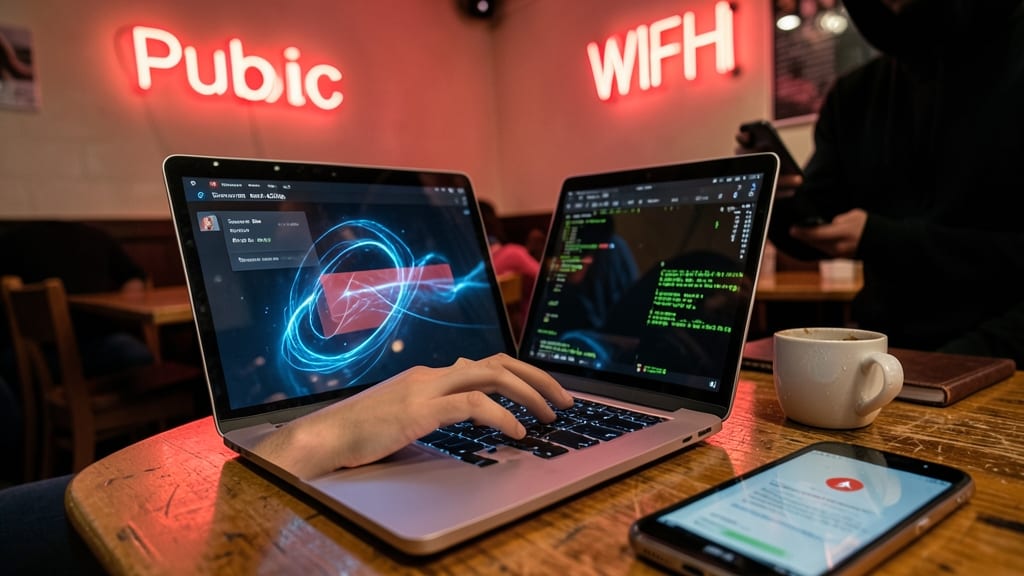
Public Wi-Fi is a hacker’s playground—unencrypted connections let attackers intercept your data in seconds. A VPN (Virtual Private Network) and firewall combo is your best defense, creating a secure tunnel that blocks snoops from stealing passwords, emails, or financial details while you work remotely.
Start by installing a reputable VPN like NordVPN or ProtonVPN, which encrypts all traffic and masks your IP address. Pair it with your OS’s built-in firewall (Windows Defender Firewall or macOS Firewall) to block unauthorized incoming connections. For extra security, enable the firewall’s outbound rules to prevent malware from phoning home. Most VPNs offer kill switches—a lifesaver if your connection drops unexpectedly.
This setup is ideal for freelancers, travelers, and coffee-shop workers—anyone using untrusted networks. Just remember: a VPN alone isn’t enough; the firewall adds that final layer of protection against sneaky threats. 💻
Employee Security Training Simulations
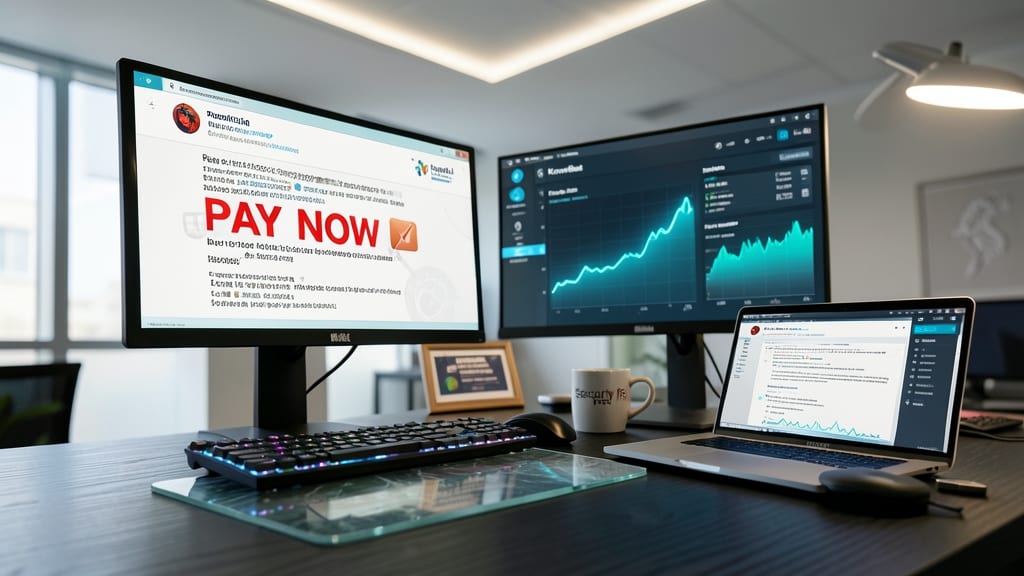
Even the strongest firewalls can’t stop a single click on a fake invoice email. Phishing simulations are the secret weapon to turn your team into a human firewall, with platforms like KnowBe4 or PhishMe sending realistic attack scenarios to test reactions in real time.
These tools track which employees fall for spear-phishing, CEO fraud, or malicious links, then deliver personalized training modules to close gaps. Customizable campaigns mimic real-world threats—like urgent "password reset" emails—while analytics show progress over time, reducing human error by up to 70% in organizations that commit to monthly simulations.
Perfect for small teams or enterprises, this approach flips security from a tech problem into a team sport, where everyone learns without the risk of a real breach. 💡
Device Encryption and Physical Security

Your laptop or phone might be the most valuable tool you own—but also the biggest security risk if lost or stolen. Full-disk encryption (like Windows BitLocker or macOS FileVault) scrambles all your data so it’s unreadable without your password, while a strong PIN or biometric lock adds an extra barrier against physical theft.
Modern devices make this effortless: BitLocker (Windows Pro/Enterprise) or FileVault (macOS) encrypts your entire drive with minimal setup, while Android’s Android Encryption and iOS’s AES-256 encryption work silently in the background. Pair this with a 6-digit PIN or fingerprint lock—never a simple 4-digit code—to force attackers to abandon your device within seconds.
This is a must for freelancers handling client data, travelers using public transit, or anyone who’s ever misplaced a device. A thief won’t walk away with your files—or your peace of mind. 💻
Incident Response Plan for Cyber Attacks
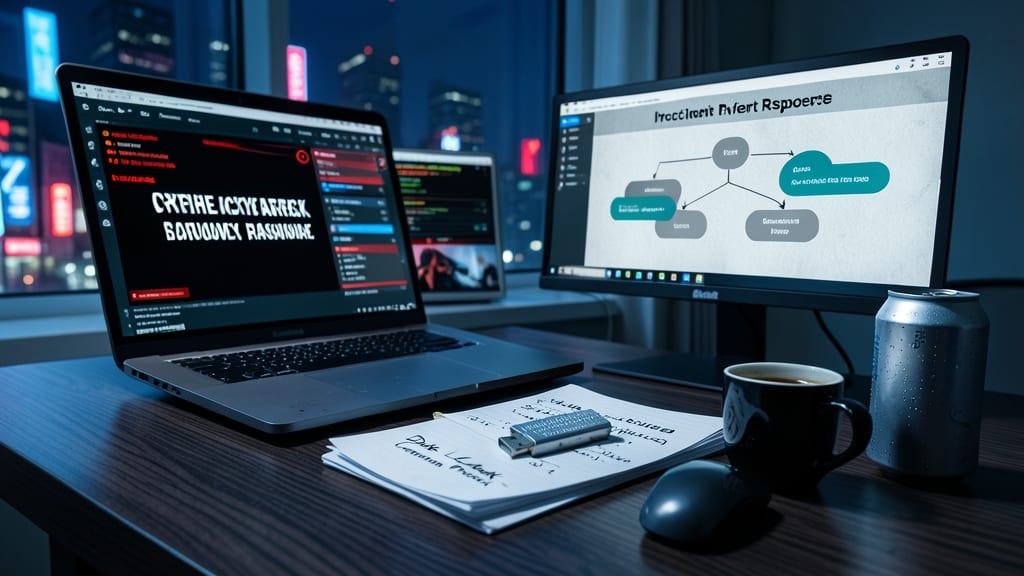
Cyberattacks don’t just happen to big corporations—remote workers face breaches daily. A pre-built incident response plan turns panic into action, ensuring you can contain, investigate, and recover from attacks like ransomware or data leaks without losing critical data.
Start with a four-phase framework:
- Preparation (document roles, contacts, and tools),
- Identification (detect anomalies via EDR alerts),
- Containment (isolate infected devices immediately), and
- Recovery (restore from clean backups and patch vulnerabilities). Tools like Splunk or IBM QRadar automate threat detection, while templates from NIST or CISA provide compliance-ready checklists.
Small teams and freelancers benefit most—this plan ensures you’re not scrambling during a breach. Pro tip: Test your plan quarterly with simulated attacks. 💪